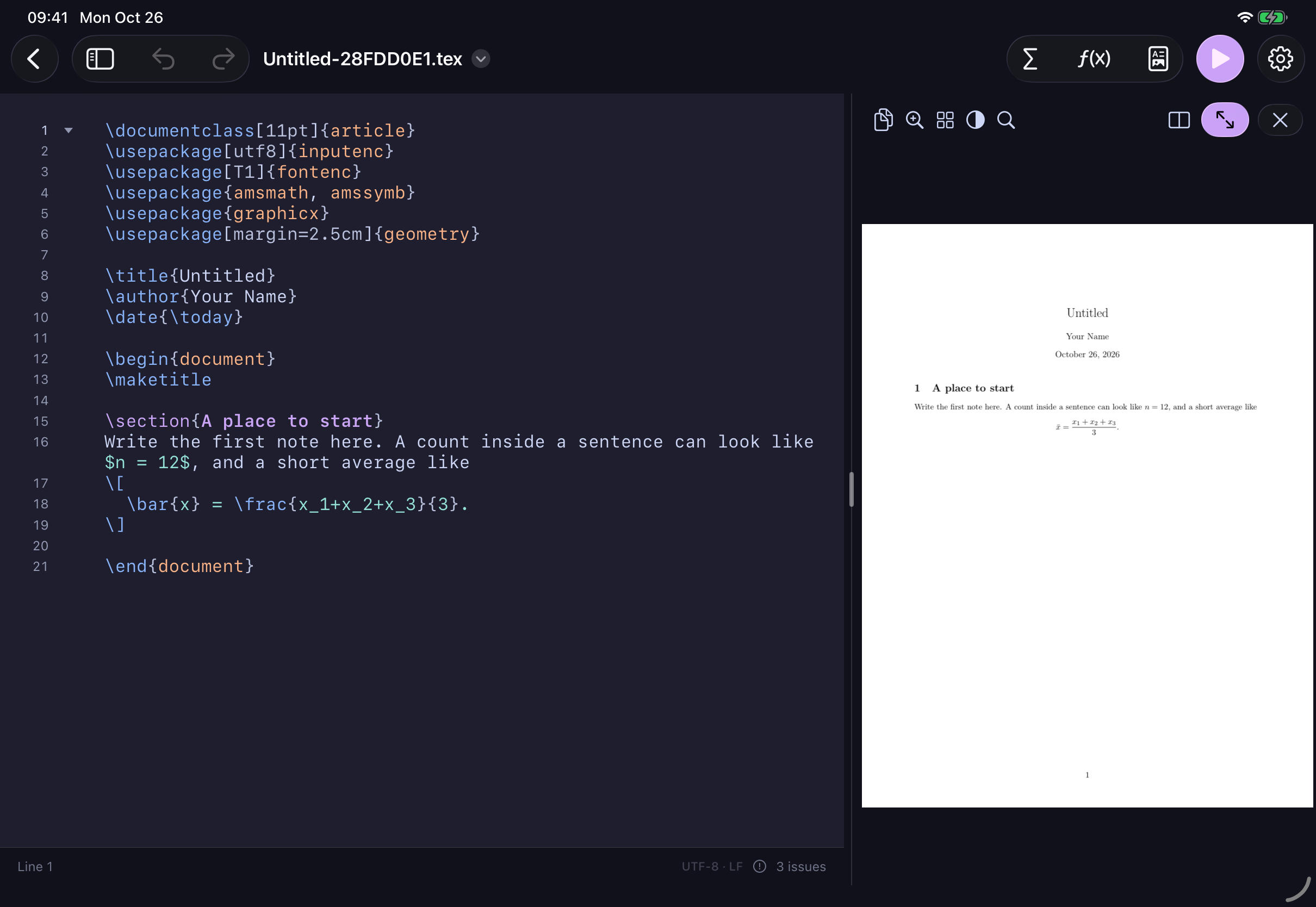
Torus on iPad · Build an equation visually. Get ordinary LaTeX.Select the image for a closer look ↗
Private by designYour documents never leave your device.
No accountOpen the app and start writing.
Works offlineWrite and compile anywhere.
Yours to keepOrdinary .tex files, always yours.
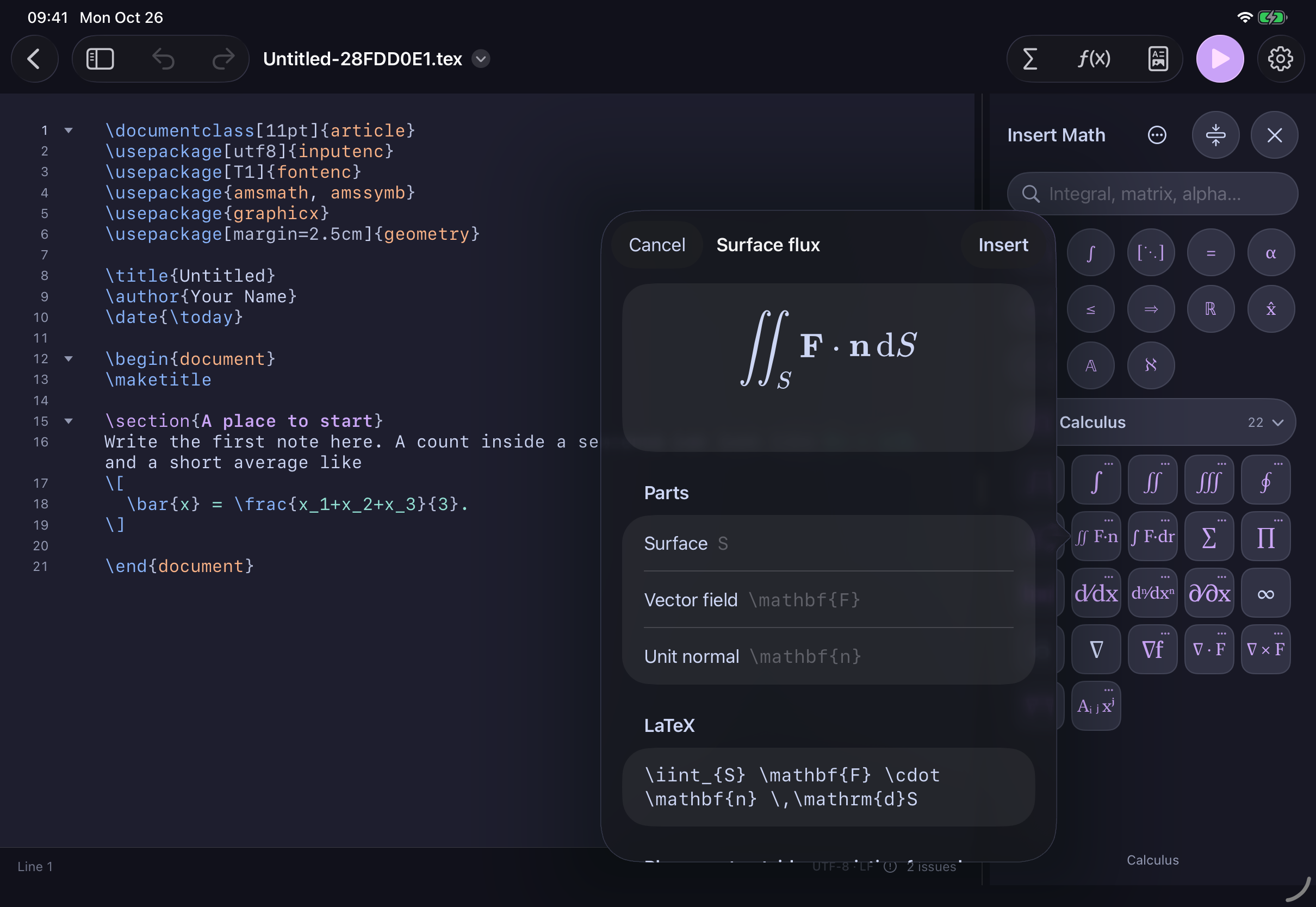
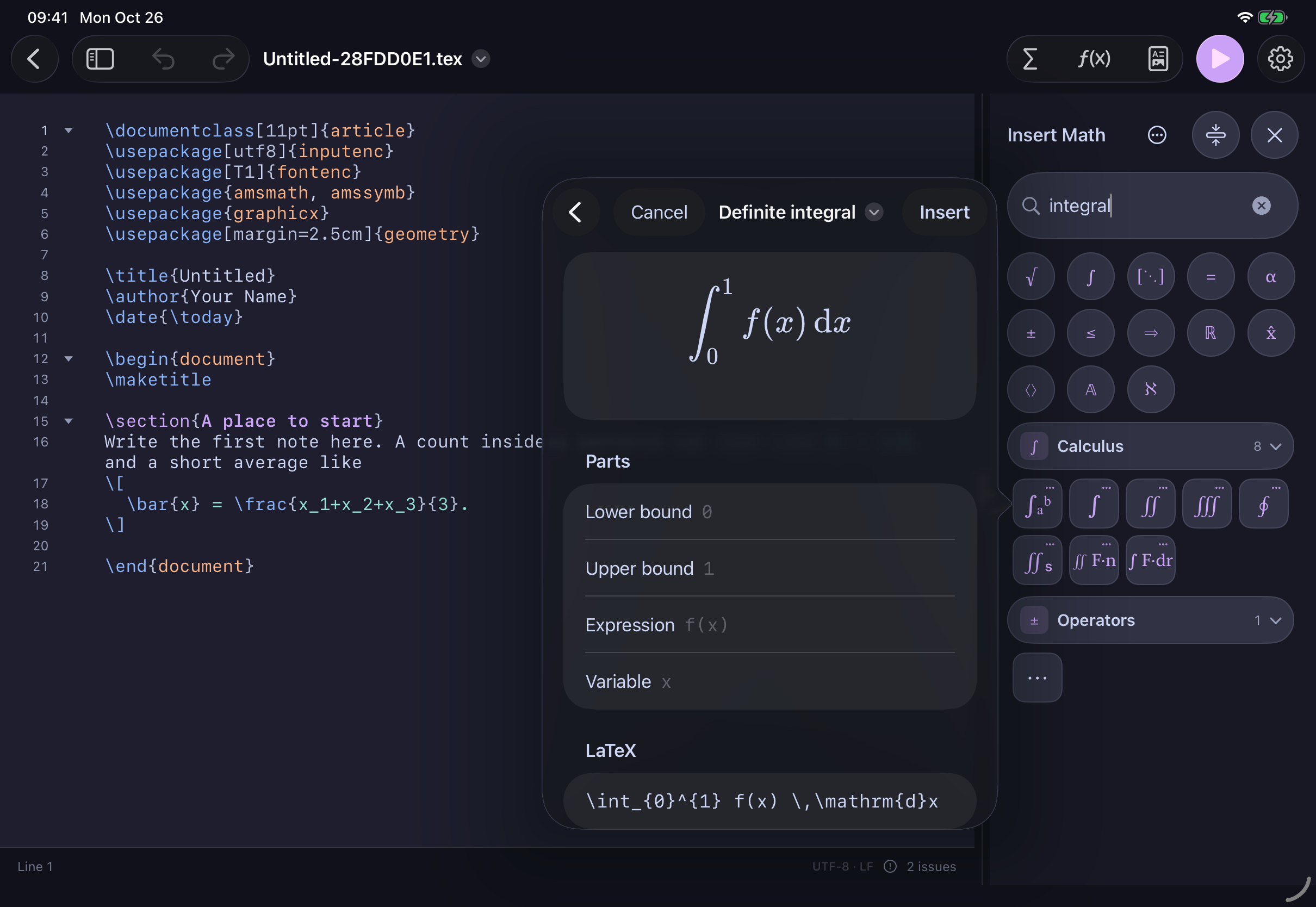
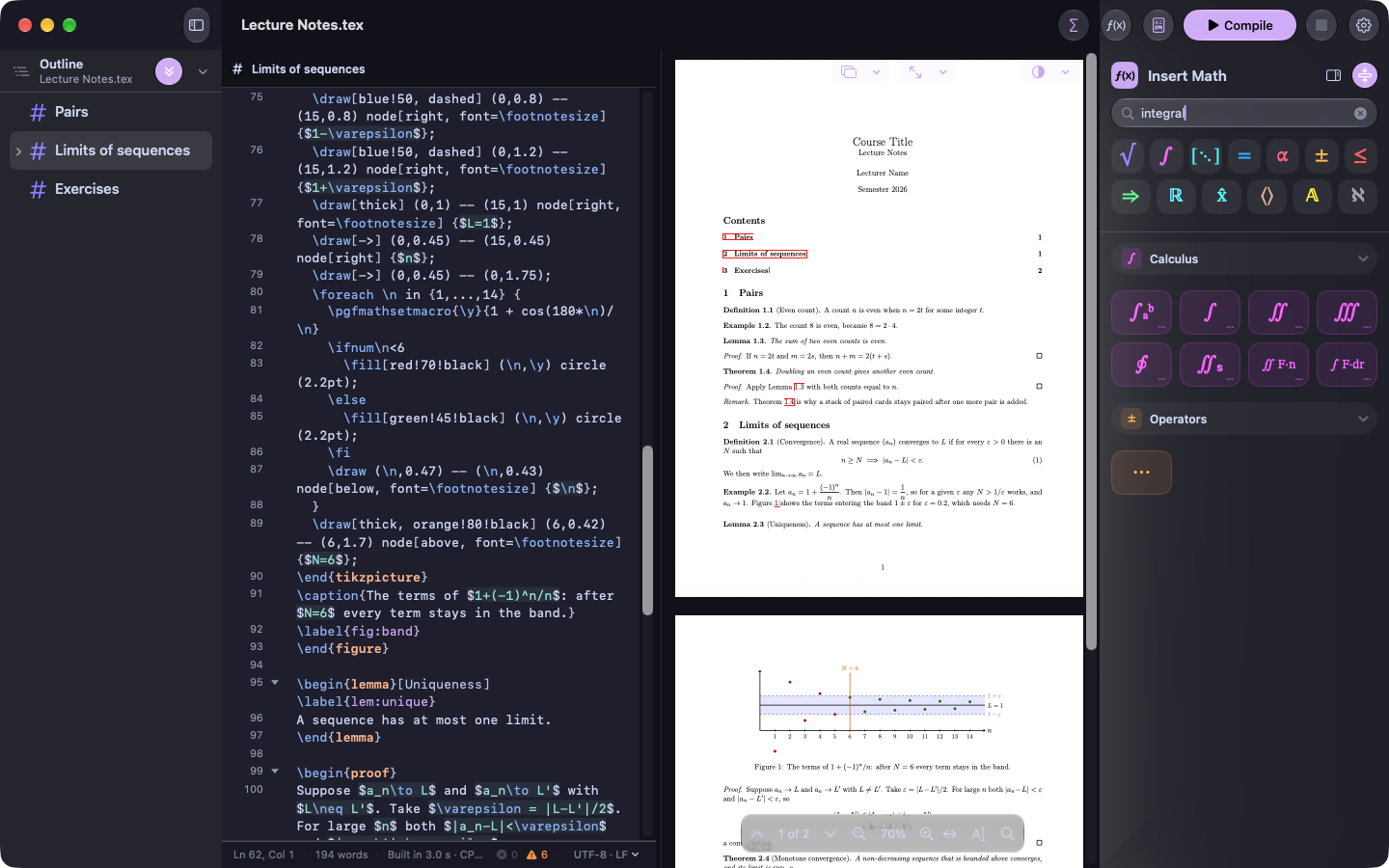
Visual math editorMost LaTeX commands, built by filling in the parts.
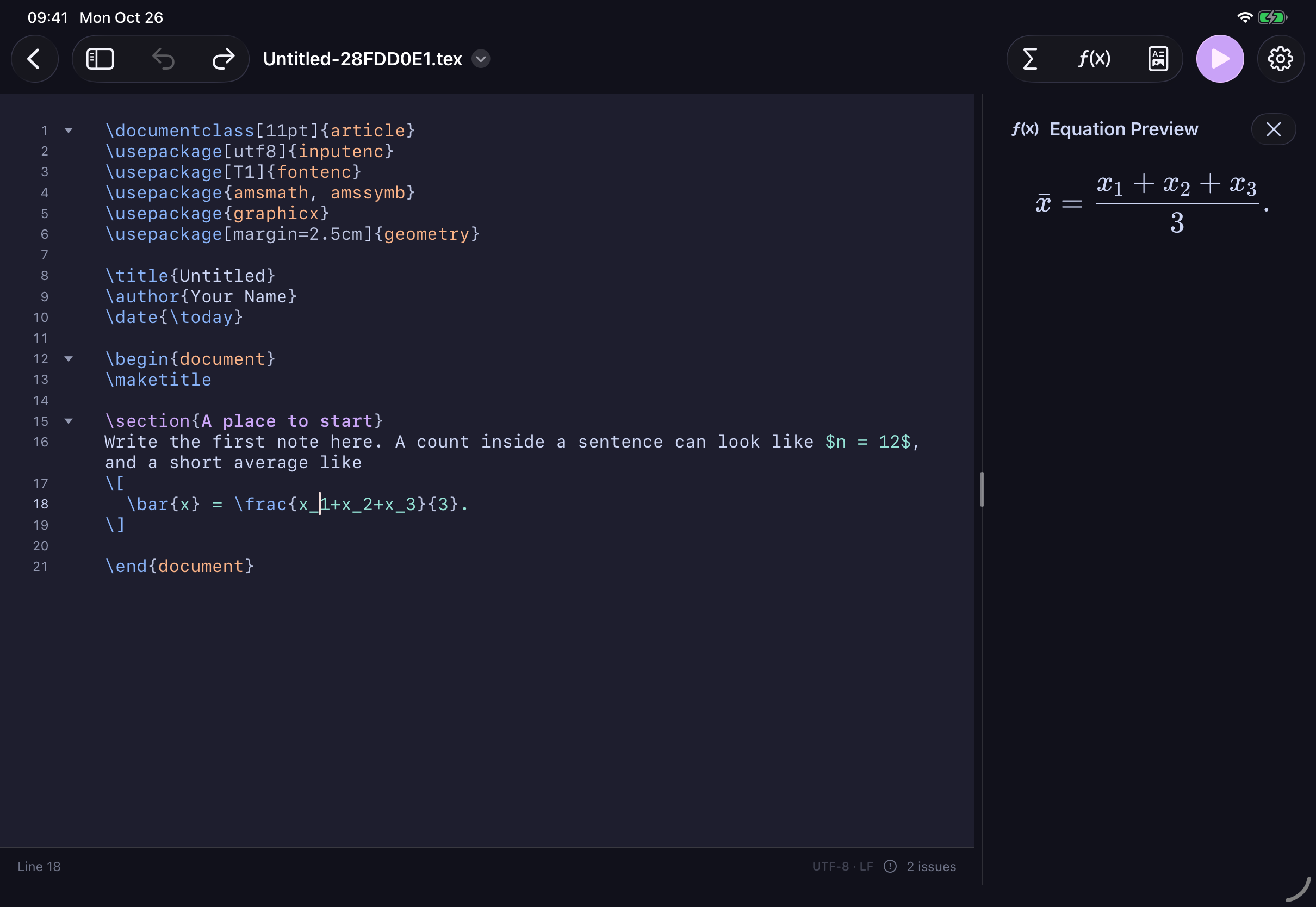
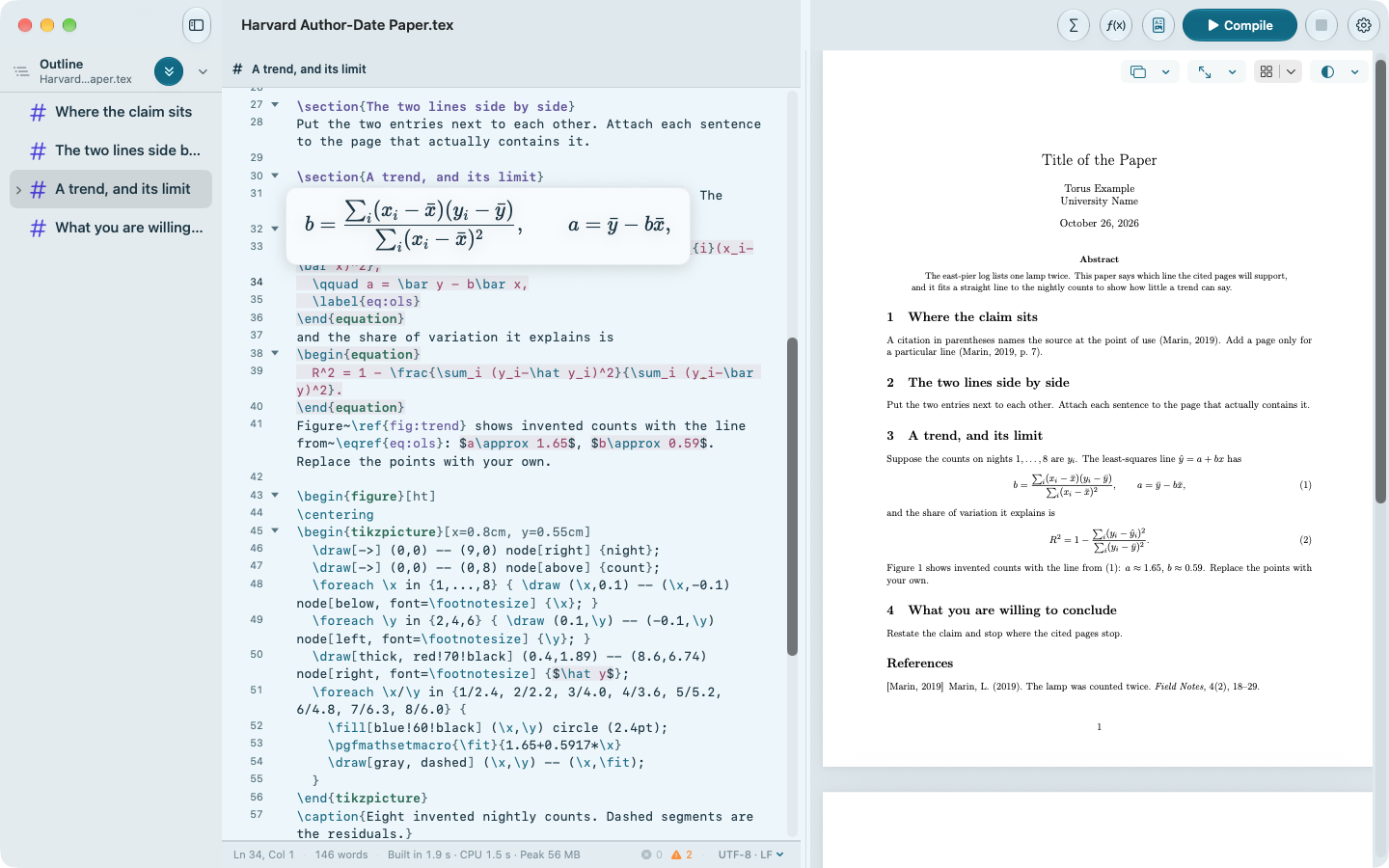
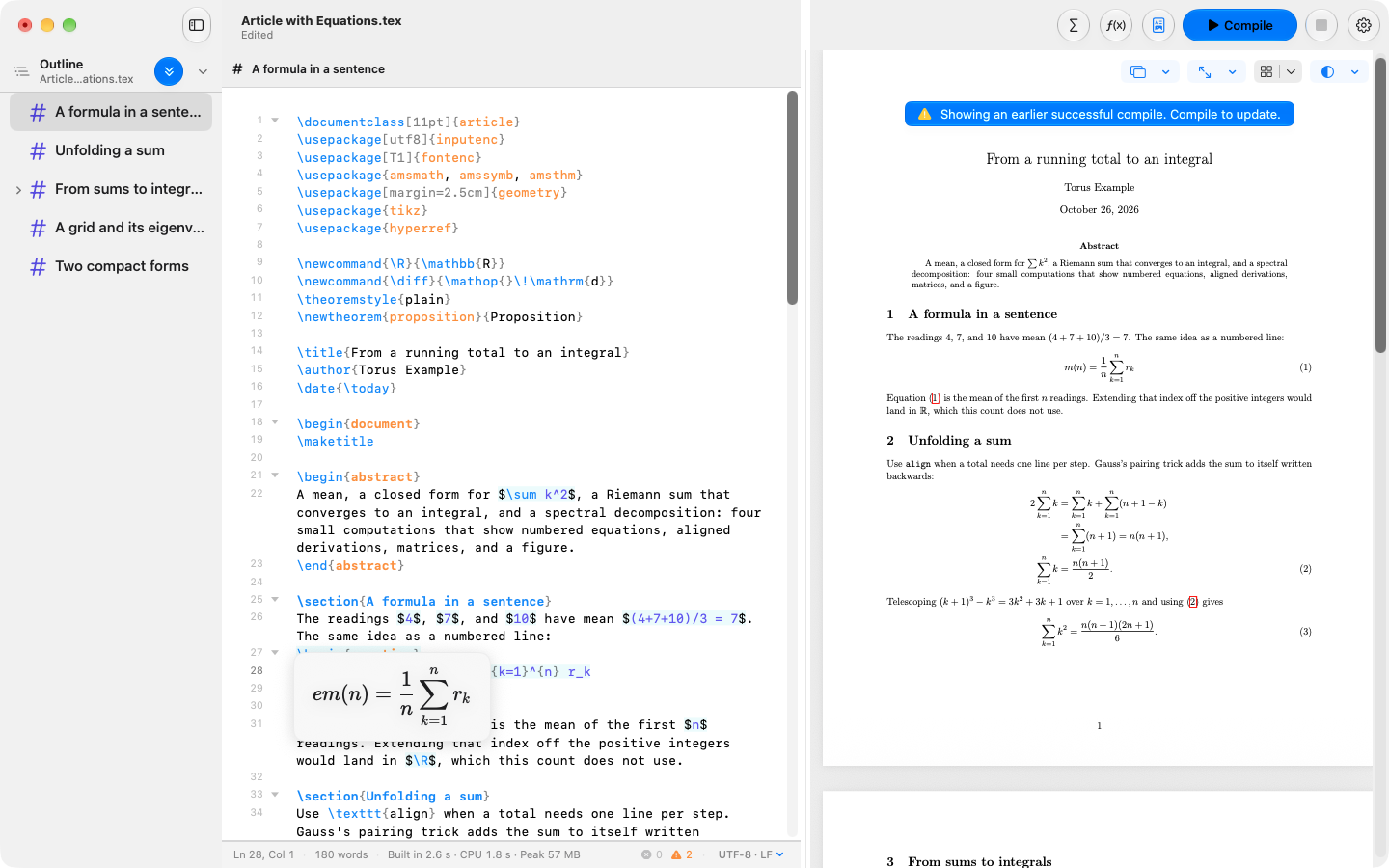
Live equation previewSee each formula typeset as you write it.
A closer look
Thoughtful tools. Nothing in your way.
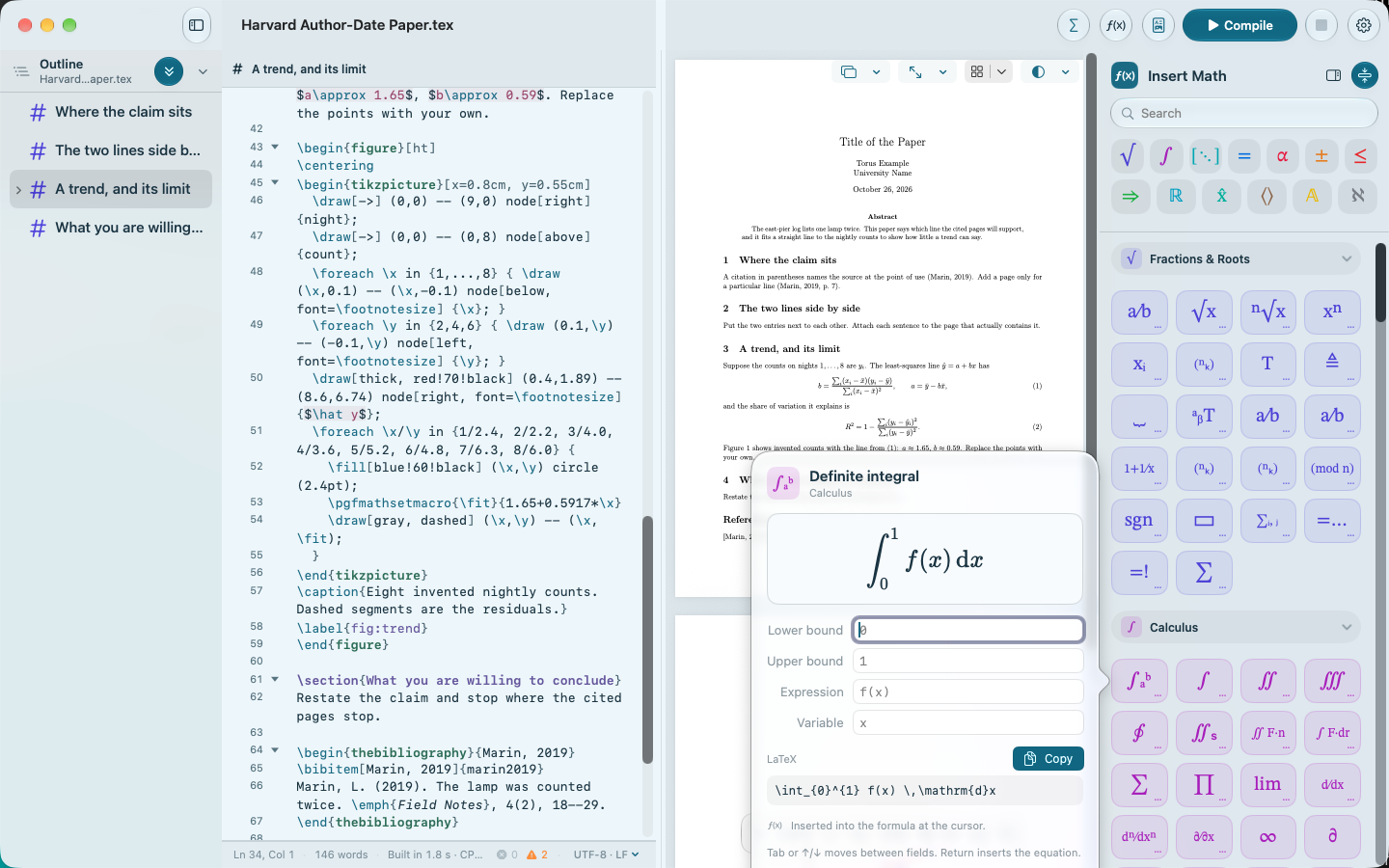
The integral composer, running in the iPad app.
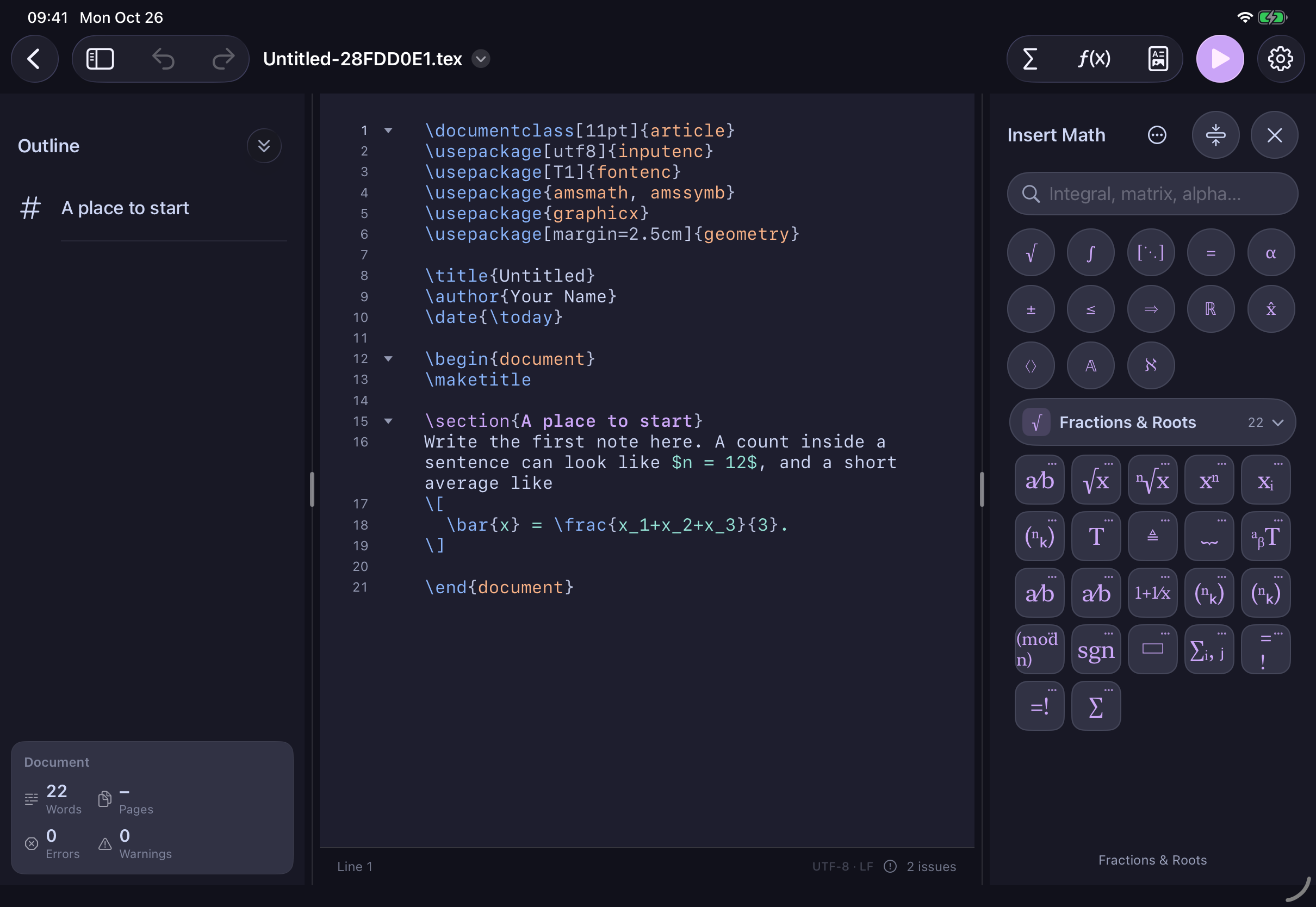
Build mathematics visually
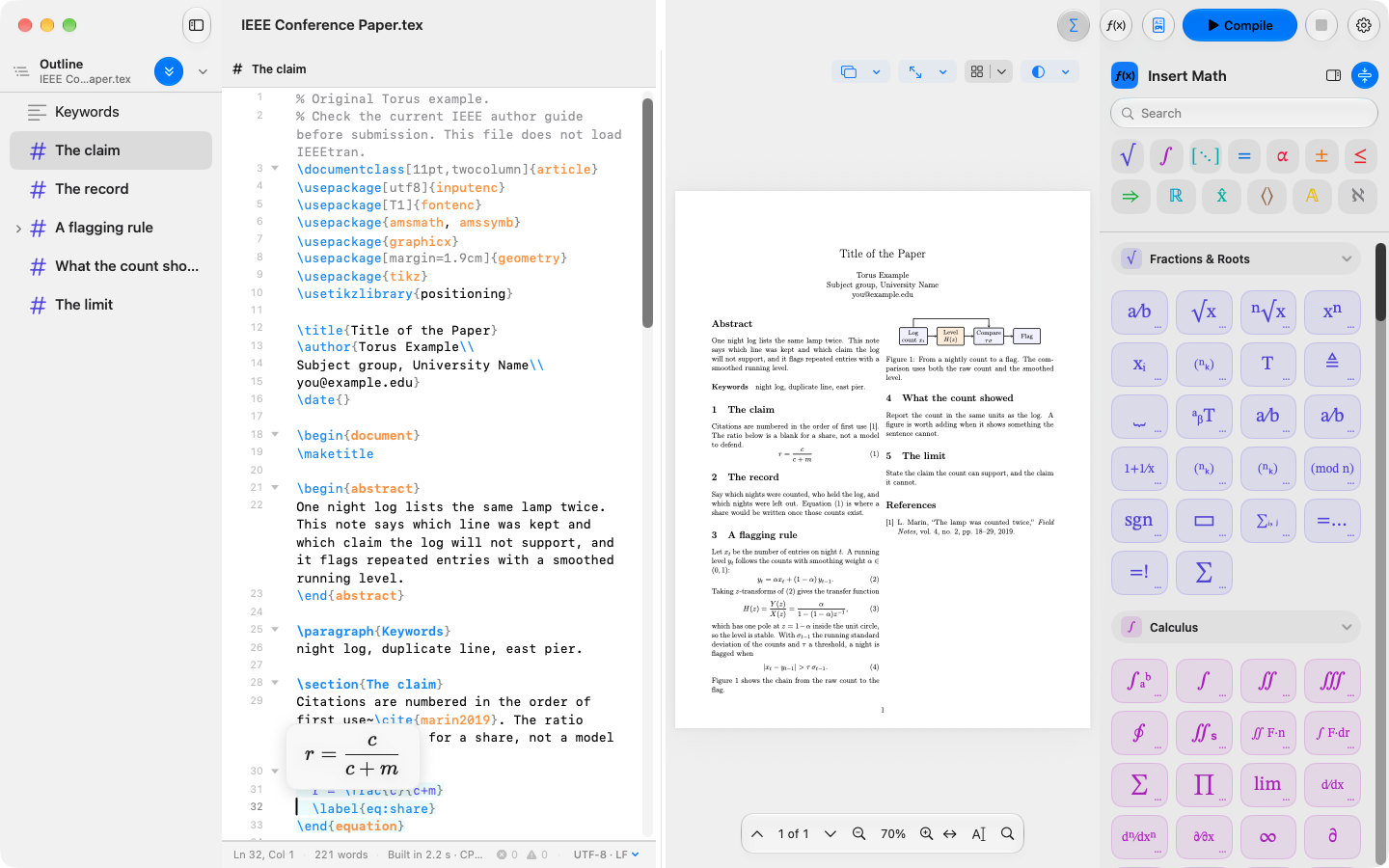
Fractions, integrals, matrices, and more. Browse by picture or search by name, then fill in the parts. The result is real LaTeX you can edit anywhere.
From source to finished page
Compile a genuine LaTeX PDF with the engine already on your device. No TeX installation or upload required. On Mac, you can also use an existing TeX distribution.
Make the workspace yours
Choose from 19 built-in editor themes and personalise syntax colours. A quiet light workspace or a softer dark one: the choice stays with you.
Never start from nothing
Pick from 25 complete document starters, from a first article to a thesis, lecture notes, or an academic CV. Add your title and name, and start writing.
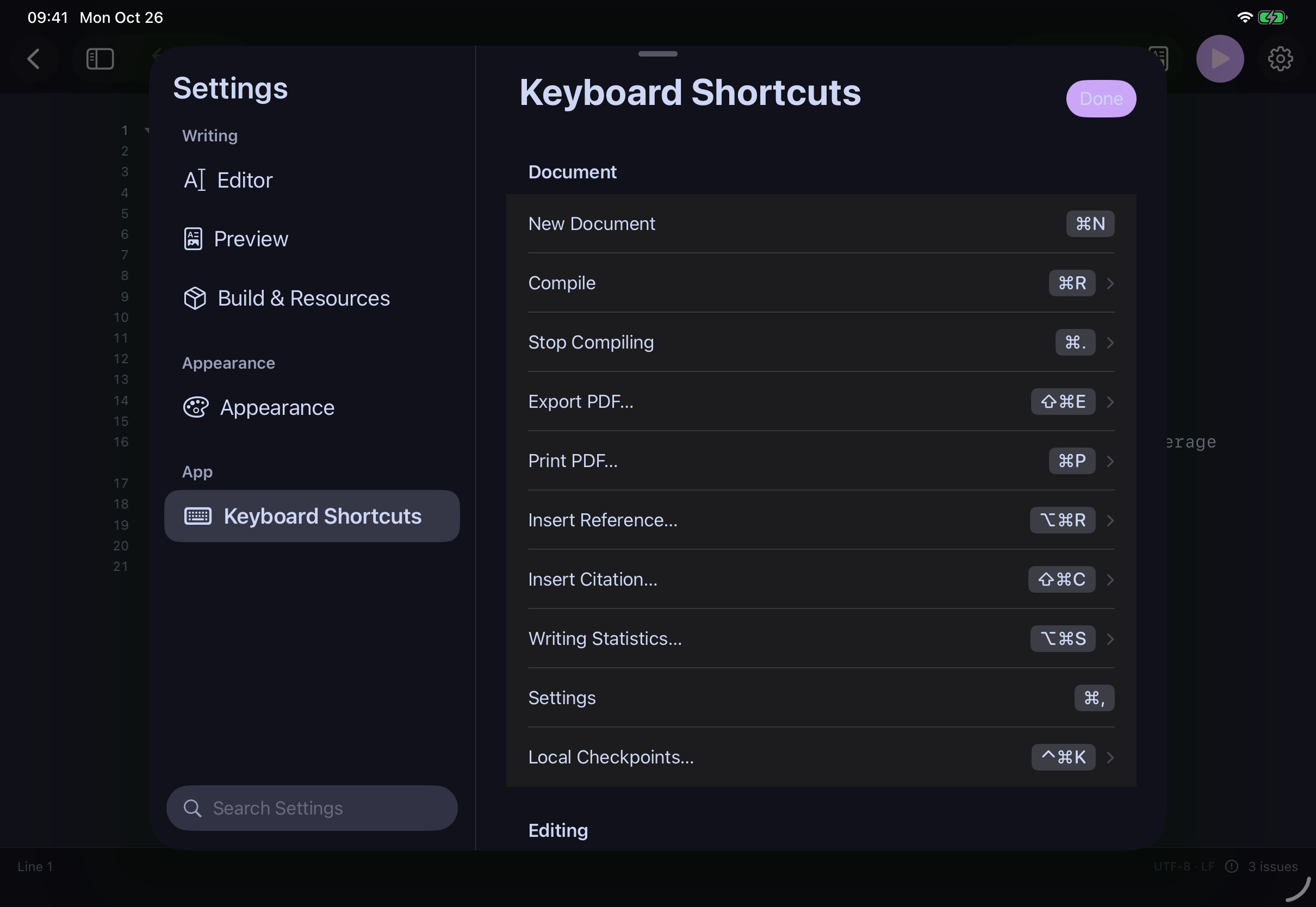
iPadLive equation previewSee your formula typeset as you write it, before you compile anything.iPadBrowse the math paletteFind a symbol by its picture, grouped by topic.iPadThe visual editorFill in the parts. The LaTeX is written for you, and stays editable.iPadSource and PDF, side by sideCompile on your device and keep both in view.iPadMade for a keyboard tooShortcuts for compiling, exporting, inserting references, and more.
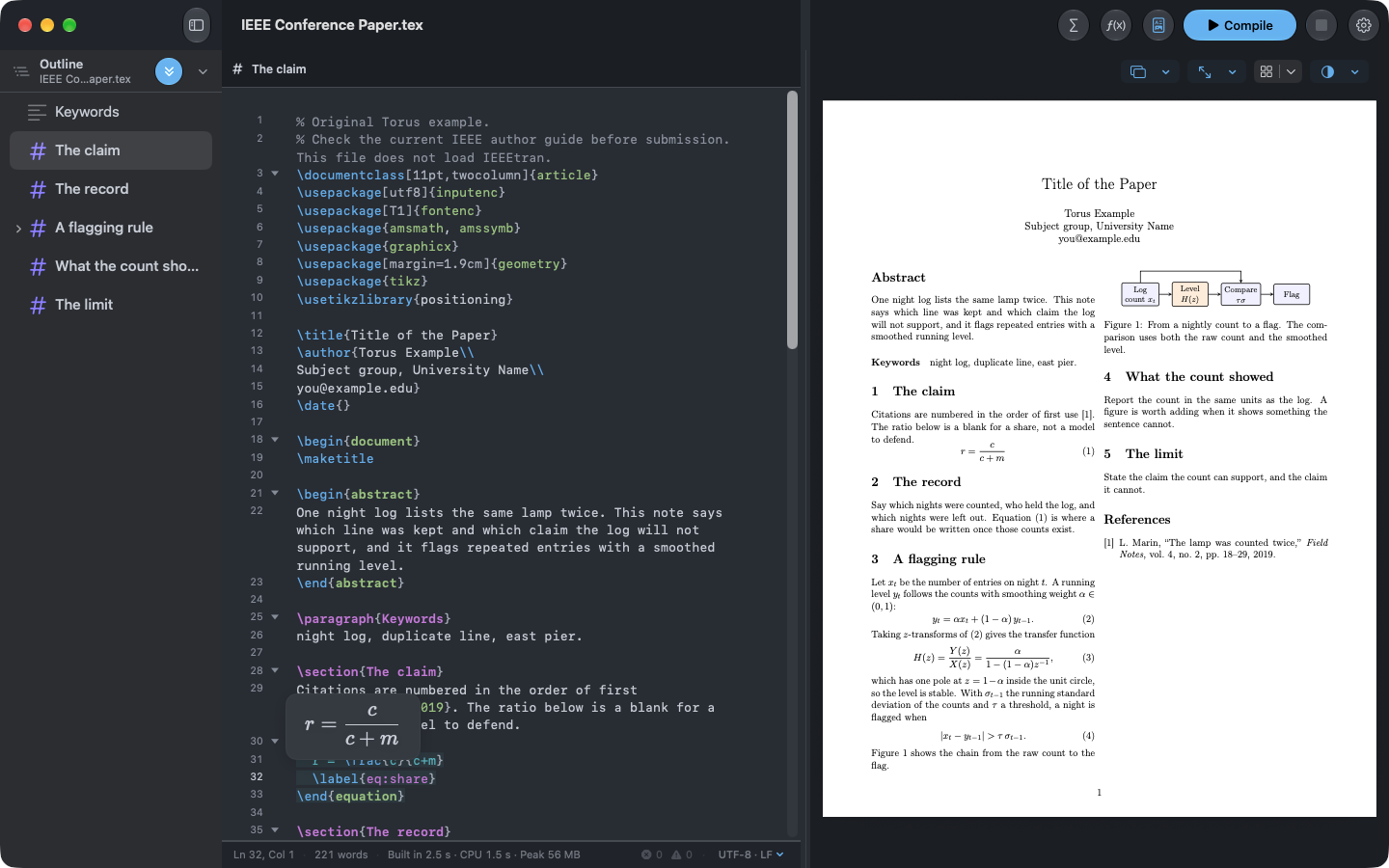
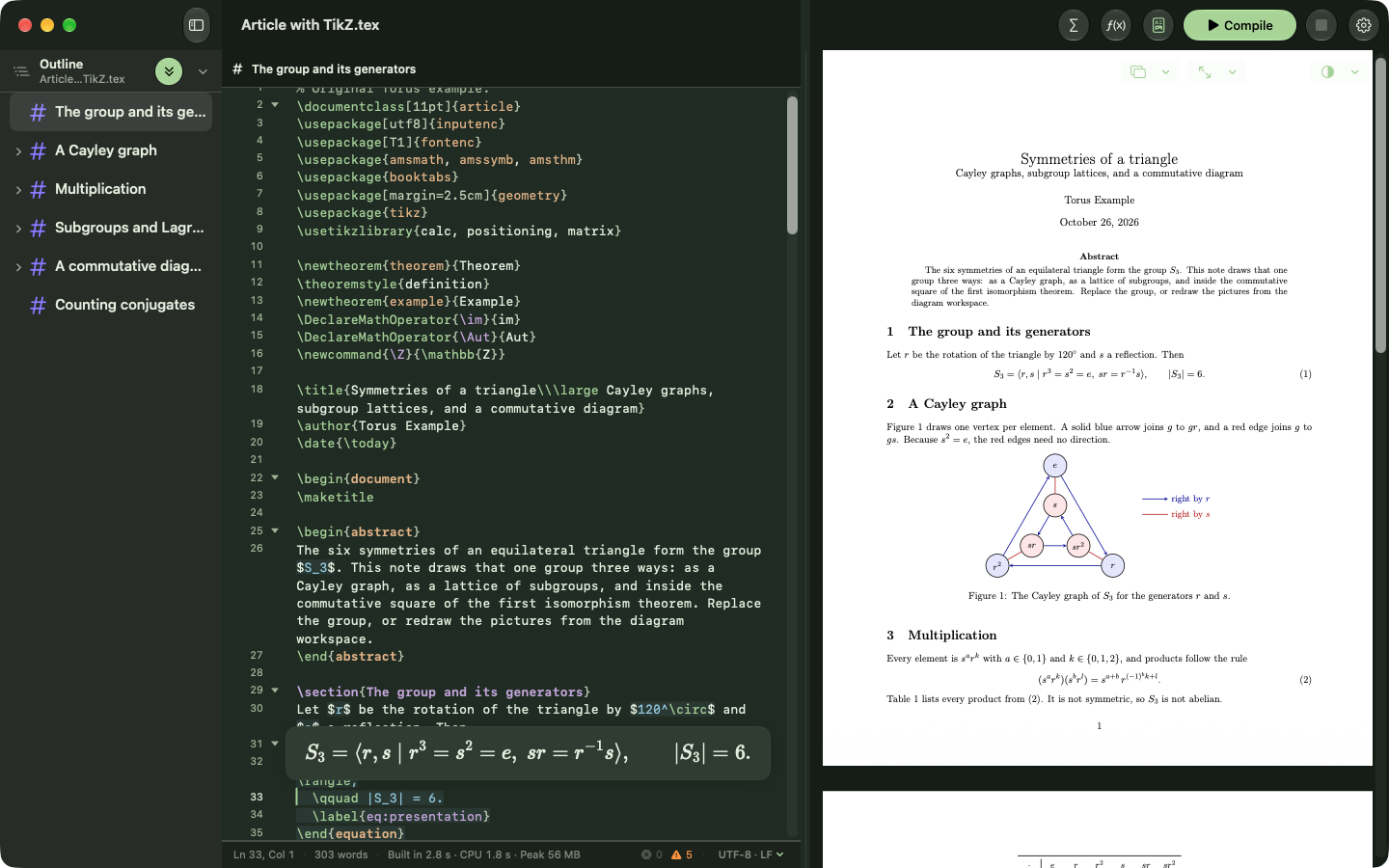
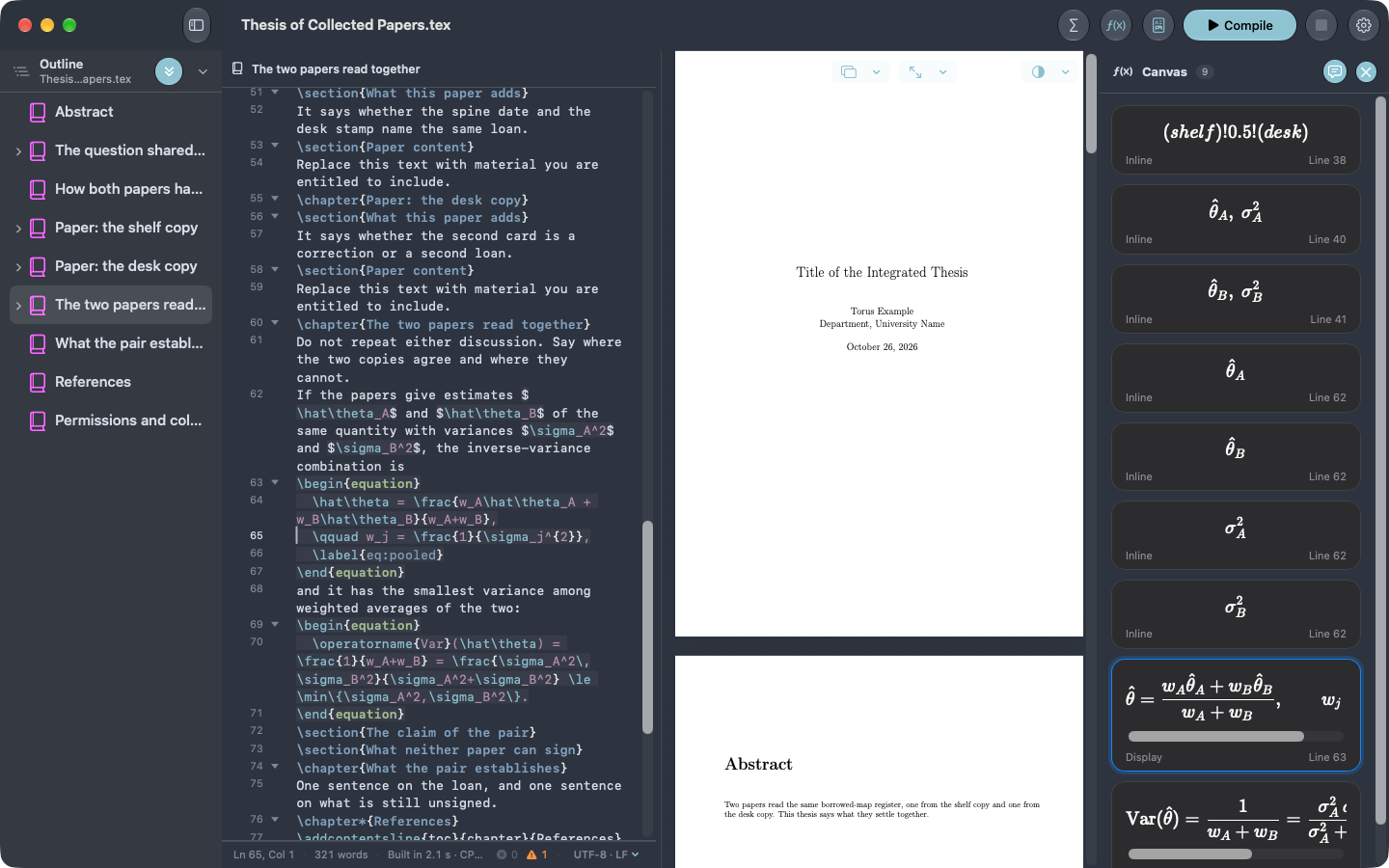
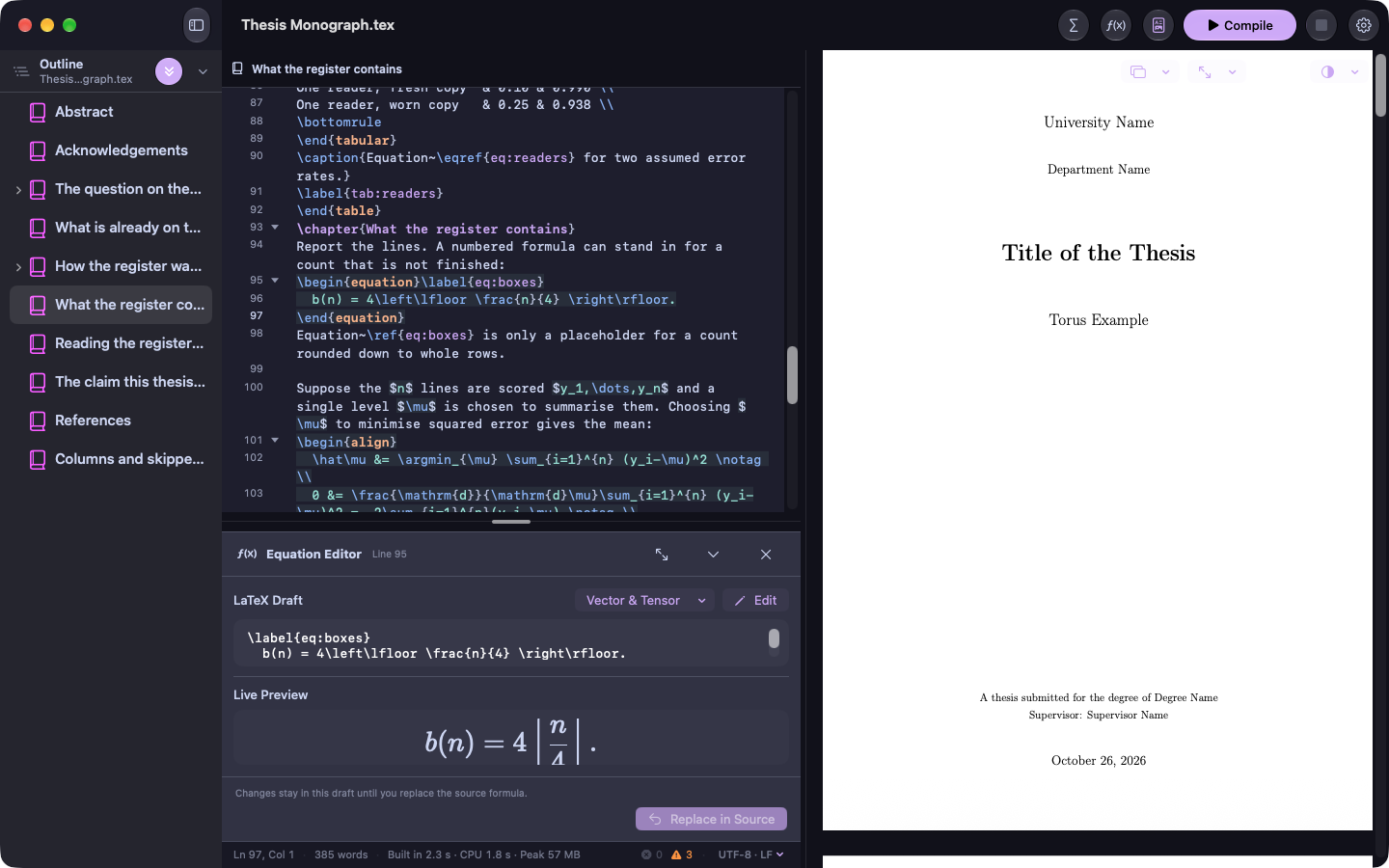
MacLive equation previewPut your cursor in a formula and see it typeset beside your source.MacBrowse the math paletteFind a symbol by its picture, grouped by topic.MacSearch by nameType what you are looking for and the matching tools appear.MacThe visual editorFill in the parts. The LaTeX is written for you, and stays editable.MacSource and PDF, side by sideYour source on the left, the compiled page on the right.MacDiagrams, drawn in LaTeXTikZ figures compile right beside your source.MacEvery equation in one placeThe canvas lists each formula in your document.MacAn equation workbenchDraft a formula and see its live preview before it touches your source.
Make it yours
Find your writing light. One document, nine themes.
Torus has 19 built-in editor themes. Choose one to see the same sample document in real Mac captures.
Standard · The same document, in a real Mac capture.
Your documents stay yours
Private by design.
Your work. Your business. Your documents belong in your hands, not on our servers. Torus keeps the writing and typesetting on your device.
Every feature is free for seven days. Your trial begins only when you choose to start it. It never renews or charges you.
No account required
Pay once
One-time purchase
$30 once
Keep Version 1 for good
Unlimited editing and compilation
All its templates, lessons, and tools
Restore your purchase any time
Best way to support the creator
Pay monthly
Monthly subscription
$4.99 / month
Everything in the one-time purchase
Every future version and new feature
Cancel any time in your Apple Account settings
The subscription is the choice that supports the developer the most. It pays for the continued development of Torus.
Prices in the App Store use your local currency and can differ. Subscriptions renew automatically unless cancelled at least 24 hours before the current period ends. Opening, saving, exporting, and recovery stay available after the trial.
A few useful answers
Before you begin.
Do I need to know LaTeX already?
No. Start with a template, use the visual math tools, and follow the built-in lessons. Torus always shows the LaTeX it writes, so you can learn as you go.
Does it really work offline?
Yes. Writing, equation previews, and PDF compilation happen on your device. The App Store needs a connection for purchases and prices.
Can I open my existing projects?
Yes. Torus uses ordinary .tex files and project folders. Chapters, images, and included files compile together. Some specialised packages require a full TeX installation on Mac.
What about bibliographies?
Insert citations and autocomplete keys from .bib files. Biber processing, including the APA templates, currently requires an installed TeX distribution on Mac. It is not yet supported on iPad.
Which devices can run Torus?
An iPad with iPadOS 26 or later, or a Mac with macOS 26 or later.
Where can I get help?
Visit Torus support for setup, troubleshooting, purchases, and contact details.
A good place for your next idea.
Torus for iPad and Mac. Start with a free seven-day trial.
App Store links are not connected in this design preview.